

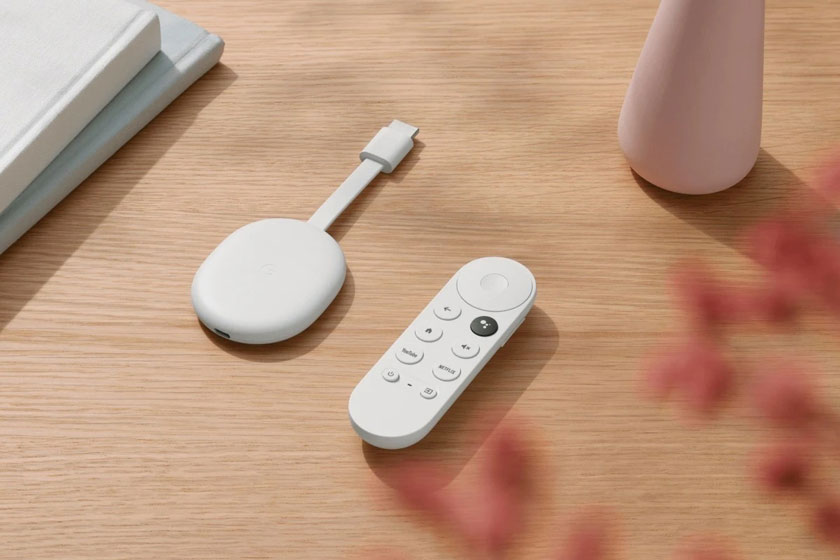
4K Chromecast with Google TV is now receiving the Android 12 system update. Google is pushing the new software with build number STTE.220621.019.A2.9082754. The latest Android 12 update for 4K Chromecast with Google TV weighs 722 MB. It will step up the Android TV OS from Android 10.
The new system update also packs the July 2022 security patch. This marks the second security level upgrade for the Android TV OS in 2022. The first one, the May 2022 security patch was dropped back in mid-July.
The system update to Android 12 also introduced important privacy features. It allows you to enable/disable camera and microphone access for all apps. New user settings allow the user to manage the HDR and surround audio. Another new feature enables you to match content frame rates while switching between refresh rates for the TV.
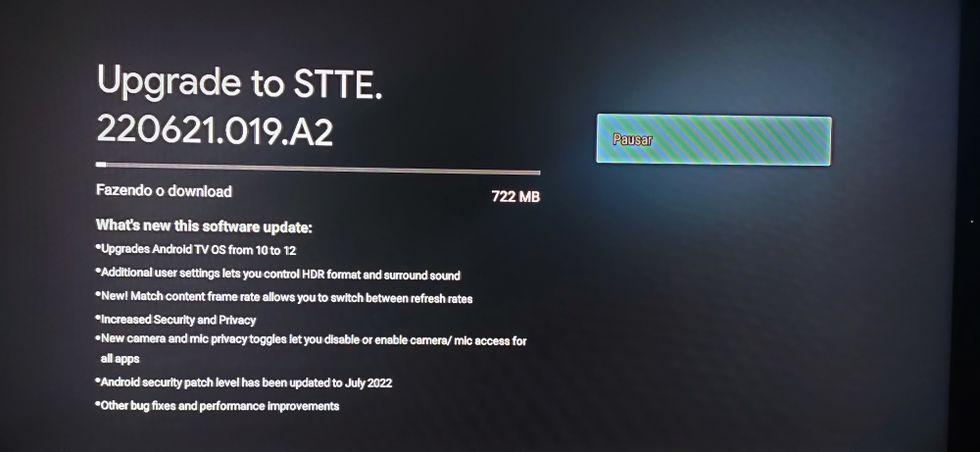
Chromecast with Google TV 4K Android 12 Update [Release Notes]
Here is the complete changelog of the A2.9082754 Android 12 update for Chromecast with Google TV.
- Upgrades Android TV OS from 10 to 12
- Additional user settings let you control HDR format and surround sound
- New! Match content frame rate allows you to switch between refresh rates
- Increased Security and Privacy
- New camera and mic privacy toggles let you disable or enable camera/mic access for all apps
- Android security patch level has been updated to July 2022
- Other bug fixes and performance improvements
Related | How to Fix Could Not Communicate with Your Chromecast
To download and install the new Android 12 update on 4K Chromecast with Google TV follow the steps below.
- Launch the Google TV.
- Click the profile image in the top-right corner
- Go to Settings > System > About > System update.
You can also check out our article on how to update Chromecast. Use a WiFi network to swiftly grab the update.


After this update – dolby atmos stopped working with Hotstar now